 atamadrawing tools
See the structure behind every drawing.
A reference grid, a posable 3D model, and timed studies — one focused studio for artists who want to understand what they draw.
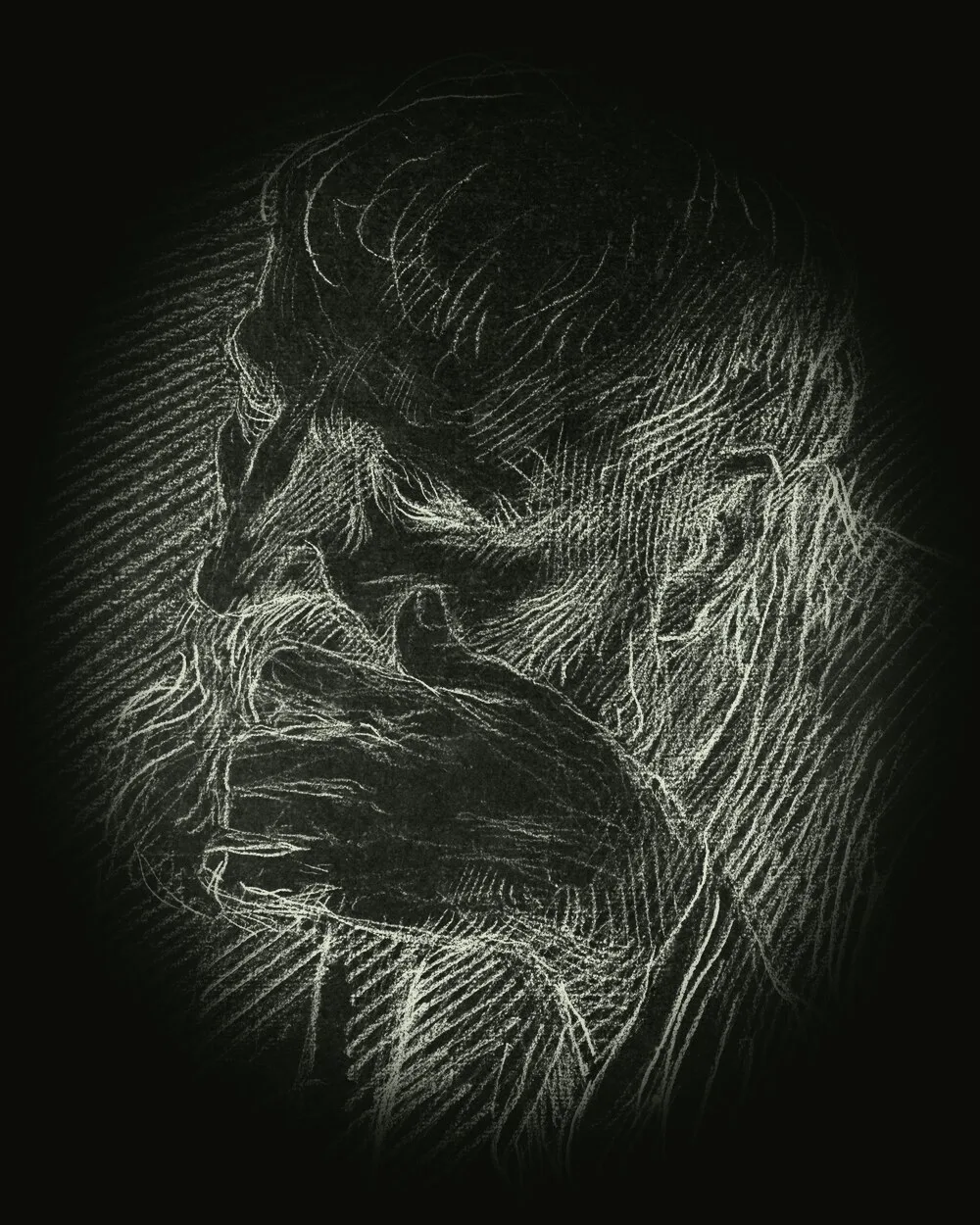 Reference · 04
Three ways to train your eye.
Each tool takes one thing you would normally guess — proportion, light, or time — and turns it into something you can see, adjust, and study.
01 — The toolkit
Built around the way artists actually practise.
Grid
Lay a proportional grid over any reference photo. Adjust the cells, angle, weight, and colour until the structure is clear.
- Square
- Diagonal
- 8 colours
Model
Load a 3D model, turn it to the angle you need, and move a light across the form. Watch the shadow explain the shape.
- .glb
- Pitch / yaw
- Bounce light
Timer
Set a countdown, bring in a reference, and draw before the clock runs out. Short studies make the decisions obvious.
- H / M / S
- Pause
- Restart
Set the structure before the pencil moves.
Import a reference photo and lay a grid over it. Dial in the cell size, line thickness, and colour, then lock it down while you block in the drawing.
- Square and diagonal grids
- Cell size, line weight, and eight line colours
- Lock the grid while you work
- Export to Pictures/AtamaDrawingTools
Profile / 04Pose the form. Move the light.
Load a .glb model, rotate it on pitch and yaw, and sweep a directional light around the surface. Watch how the plane changes before you commit it to paper.
- Bring your own .glb models
- Pitch and yaw rotation
- Light direction and 10–100% intensity
- Simulated bounce light for reflected shadow
- Save the lit study to your gallery
Give the study a clock.
Drop in a reference, set a countdown, and draw against the clock. Pause when you need to, reset when the first attempt misses, and go again.
- Hours, minutes, and seconds
- Start, pause, and reset
- A clear time’s-up state
- Works with your own reference images
Drawing is better with other eyes on it.
Studio opens the community side of Atama: a real-time chat for sharing studies, asking for red lines, and keeping a circle of artists around your practice.
- Real-time community chat
- Share and discuss artwork
- Friends, replies, and alerts
- Cancel anytime
Includes 7 days free, then $1.19/month. Cancel anytime from Studio in the app.
Answers, before you start.
Everything about the free tools, Studio, exports, and accounts. Still stuck? The support page has a direct line.
Visit supportIs Atama Drawing Tools free?
What is Studio?
Can I use my own reference photos and 3D models?
Can I export my studies?
Do I need an account?
How do I cancel Studio?
How do I delete my account?
Your next study starts here.
Atama Drawing Tools is coming to Google Play. The Grid, Model, and Timer tools will be free to use. Leave your email if you want a single note when it goes live.